Wanna download entire Apple Music library to computer? AudiFab will convert Apple Music, iTunes
M4P Music, audiobooks, & podcasts with ID3 tags & lyrics files at 10X faster speed.
(> >Tutorial for Beginners)
*Note: AudiFab is for personal use only.
🥂To convert various streaming music songs, check Music One.
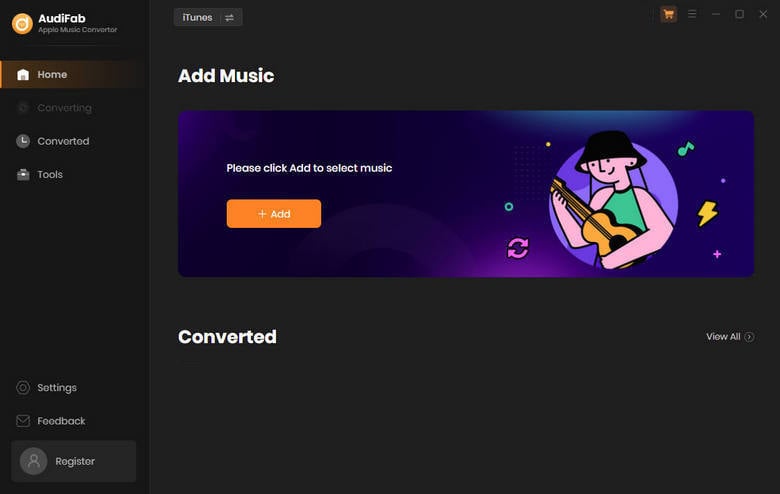
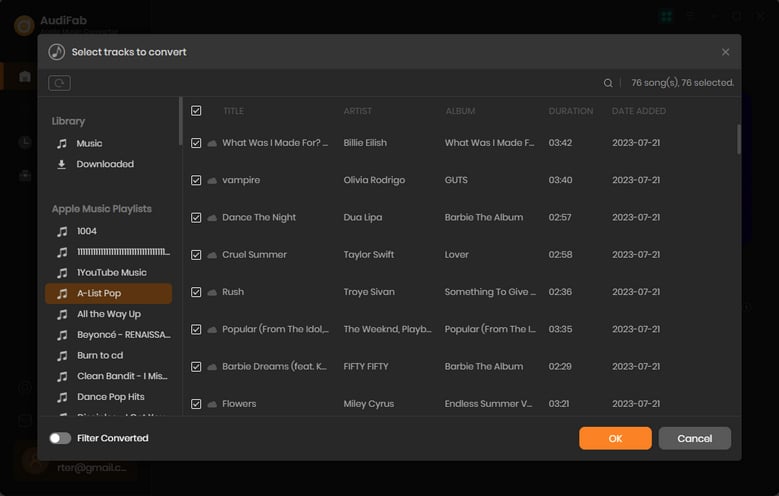
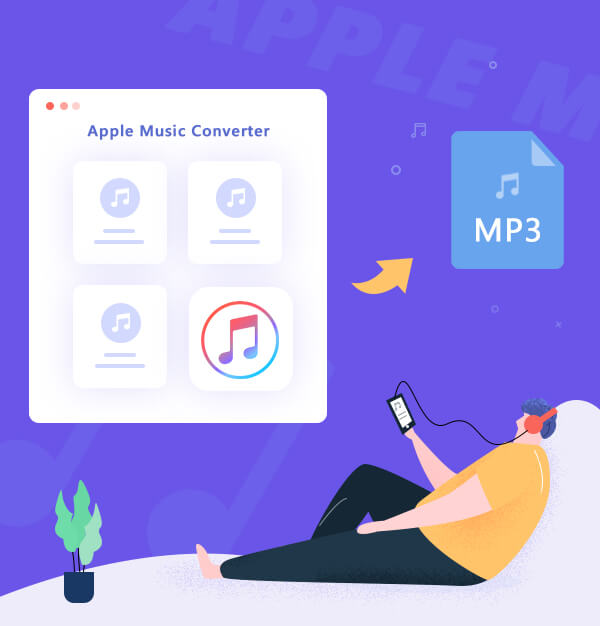
AudiFab Apple Music Converter is specially made for Apple Music users to effectively download Apple Music to computer and save in unencrypted music formats for offline use. Simply use this smart iTunes music recorder to enjoy Apple Music on any device anywhere without limitations.
Record Various Apple Audio Sources
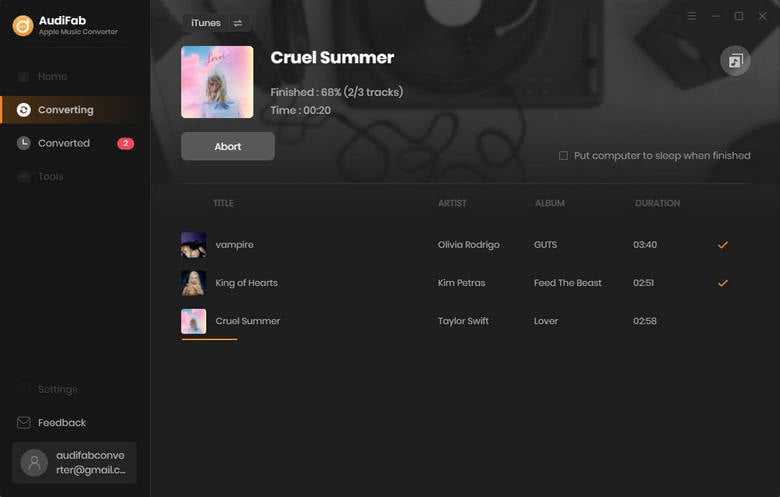
AudiFab Apple Music Converter is your key to download various audios which are playable in iTunes at up to 10x speed, including Apple Music, iTunes M4P Music, Audible AA, AAX audiobooks, and podcasts. It's an all-in-one solution for your Apple Music recording.
Convert to Multiple Music Formats
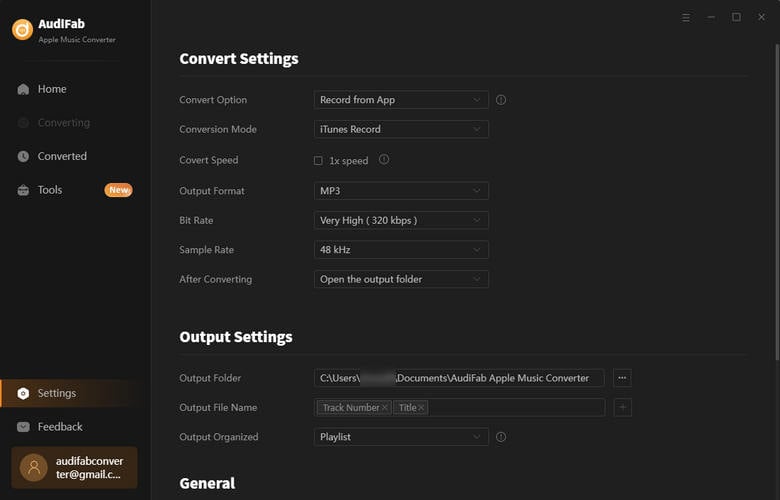
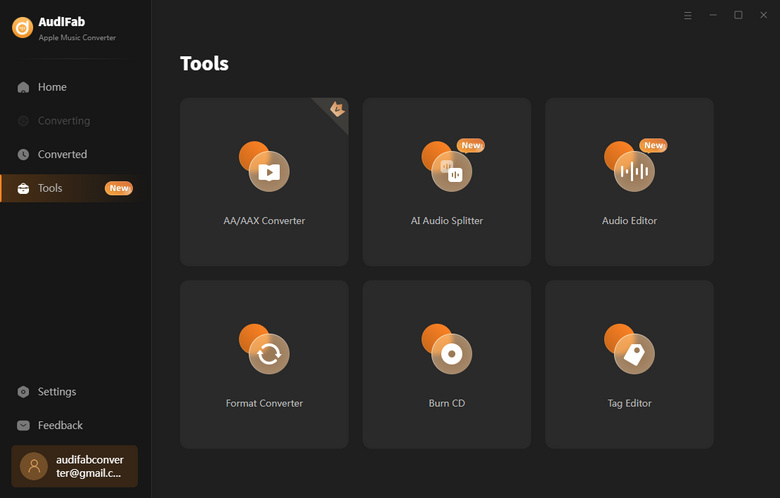
AudiFab will help any members of Apple Music to convert any Apple Music songs into MP3, AAC, FLAC, WAV, AIFF, ALAC formats. Also, it has some useful tools like: convert your local audio files to MP3/M4A/FLAC/WAV/OGG/AIFF, burn CD, edit ID3 tags, AI Audio Splitter and AA/AAX Converter (Paid Function).
Keep Lossless Audio Quality & Lyrics
Built-in with a top-ranking recording core, AudiFab Apple Music Converter enables to download all of your Apple Music playlists with 1:1 audio quality output, particularly well suited for those who pursue high sound quality. Additionally, the tool preserves lyrics of the track.
Recognize, Keep and Edit ID3 Tags
Differ from other audio recorders, AudiFab supports retaining most ID3 tags for Apple Music songs, like title, artist, album, artwork, track number, disc number, year, comment, genre, albumartist, and composer. Plus, you can also edit the ID3 tags information on AudiFab's toolbox as your preference.
We promise to update the programs constantly, to keep be compatible with the latest version of iTunes, Apple Music, Windows OS, and macOS systems. And, you will always get free updates. Should you encounter any problems when using AudiFab, feel free to contact our support team. We are always here to serve you.
Get More Tools
Pick the one that suits you most.
Losslessly download Apple Music to MP3/AAC/WAV/FLAC/AIFF/ALAC with ID3 tags and lyrics retained.
Detailed answers to common questions will be listed on our Help Center.
AudiFab supports multiple popular output formats, including MP3, AAC, WAV, FLAC, AIFF, and ALAC. You can choose the format that best fits your playback or storage needs.
Yes. AudiFab is designed to preserve the original audio quality when converting Apple Music tracks, including Lossless and Hi-Res Lossless audio.
Yes. AudiFab supports batch conversion, allowing you to convert entire Apple Music playlists and albums at once instead of processing songs individually.
Yes. After conversion, AudiFab saves the songs as common audio files that you can transfer and play on a wide range of devices, including iPhones, Android phones, Windows PCs, Macs, MP3 players, smart TVs, and more.
After the purchase succeeds, you will receive an email shortly with the registration email and code included. Please check your inbox (include junk mailbox) a while later. If you do not receive your code after several hours, please contact our support team at [email protected] via e-mail for further help.
Here are some articles that may help you enjoy Apple Music in a better way.